
Quarterback Recruiting Video: What Coaches Want to See

A strong quarterback recruiting video is short, built from real game film, and opens with your best throws. It shows accuracy, a clean release and poise under pressure in the first 30 seconds. The hard part for most families is the footage itself: you need clear, close shots of one player, and the parent who is supposed to film is also the parent who wants to watch. That is why we built I-TRX to follow one athlete automatically, so the clips exist before you ever sit down to edit.
This guide covers what coaches judge, which throws to include, how long the video should run, how to order it and how to send it. It also covers how to get footage you can use.
What a coach is judging when the video starts
A college coach watching a quarterback is not looking for highlights in the fan sense. He is looking for evidence. One recruiting guide says the film should show a mix of nine traits: accuracy, arm strength, release, throwing on the run, footwork, poise, pocket presence, decision making and touch. Throwing mechanics and poise under pressure rank highest.
Coaches quoted in The Athletic say the same thing in their own words. A Power 5 offensive coordinator ranks accuracy first and wants a compact quarterback who gets the ball out quickly. Houston’s offensive coordinator evaluates film first and crosses off quarterbacks whose throwing motion doesn’t look natural. TCU’s head coach says he first notices how a quarterback handles pressure, then accuracy, touch, pocket recognition and getting the ball out on time. He adds that arm strength matters less to him.
What this means for a parent: every clip should answer a question a coach is already asking. Can he throw it on time? Can he throw it accurately at every depth? What does he do when the pocket breaks down? If a clip does not answer one of those, leave it out.

The throws to include
Coaches want to see the full menu. Keith Grabowski, a college coach writing for USA Football, lists what a quarterback tape should cover:
Downfield rhythm throws: posts, corners and seams
Intermediate throws: digs, comebacks and curls
Quick throws: hitches, slants, quick outs and fades
Throws on the run
Play-action fakes and throws
Pocket escapability
Read or RPO plays (run-pass options, where the quarterback decides after the snap whether to hand off or throw)
Running ability
His full advice is in USA Football’s guide to a strong highlight video.
Prove you can make college throws early
A college assistant quoted by State of The U says a quarterback has to show within the first 30 seconds that he can make college-level throws: posts, digs and comebacks at 10 to 12 yards, and outs at 10 to 15 yards. A tape full of five-yard throws, swings, screens and slants suggests limited arm strength and variety. The same coach wants to see throws under pressure and escapes, not only clean-pocket reps.

Match the clips to your style of quarterback
QB Hit List suggests that pro-style quarterbacks show pocket playmaking, three- and five-step drops and precision passing. Dual-threat quarterbacks should balance running and passing at about 50/50 rather than 80/20. A separate recruiting service lists touchdown passes, passes hitting the receiver in stride, out routes, deep throws, scrambles, play-action ball handling and sprint-out and boot passes in both directions among the clips to look for.
How long the video should be
Shorter than you think. The guidance from different sources lands in the same range:
Source | Length | Number of plays |
3 to 5 minutes at most | 15 to 25 | |
About 2 to 5 minutes | Roughly 20 to 25 | |
Not stated | Best 25 clips | |
3 to 4 minutes at most, and many coaches prefer 2 or less | Open with 3 to 5 best plays, close with 2 to 3 strong ones |
Grabowski’s reasoning is worth remembering: the video is an introduction, and the coach does not want your whole season. Our own 3-minute recruiting video format follows the same logic.
How to order the clips
Start with the best play. One recruiting service points out that coaches watch a huge amount of video and may move on if a recruit doesn’t show well in the first two or three snaps.
A useful structure comes from a 2026 guide that recommends a three- to four-minute video built like this:
Opening card (about 5 seconds): name, graduation year, position, height, weight, GPA and contact information.
Best-plays montage (30 to 45 seconds): five to seven of your strongest clips.
Position sections (2 to 3 minutes): for a quarterback, pocket presence, throws on the run, reading progressions and leadership moments, each with a text label.
Optional full-play section (about a minute): complete plays for context.
The same guide notes that coaches don’t watch linearly. They scrub, jump to sections and replay clips, so labeled sections help. It also says a competitive clip against a state playoff team is worth more than a dominant clip against a weak opponent. The full breakdown is here.
Keep the editing plain
Grabowski recommends no music and no transitions, and says to identify the athlete before each play. Other guides agree: use real game film, and avoid special effects, especially slow motion and freeze frames. If your jersey number changed between teams, note it at the start or with a text overlay.
The filming problem parents run into
Here is where most quarterback videos fall apart. The throw is there, but the footage is shaky, too far away or pointed at the wrong player. Someone had to stand with a phone for four quarters, miss the touchdown while adjusting the zoom, and then scrub through an hour of video afterward.
A quarterback is also one of the harder players to film by hand. He moves in the pocket, rolls out, scrambles and throws on the run. A manual operator follows the ball. A recruiting clip needs to follow him.
Why single-player tracking fits quarterback film
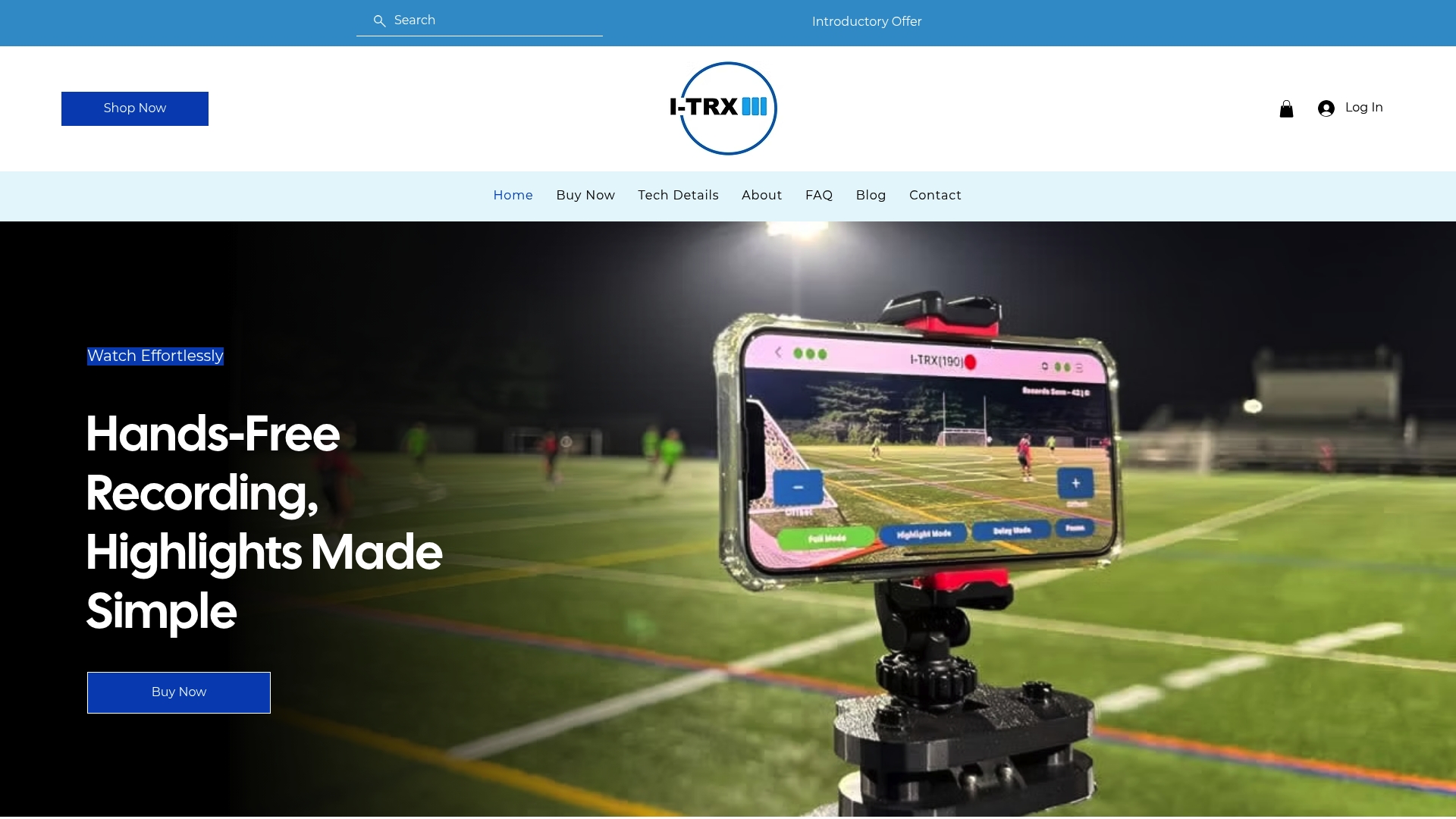
I-TRX works around one athlete, not the ball. Your quarterback wears a small sensor pack, and the camera system tracks and records him automatically, with auto-zoom. It does not matter where the ball is or how the rest of the team moves. Footage is saved straight to an iPhone, and you can share it right away.
Two features matter for quarterbacks in particular:
Instant highlight saving. When something good happens, the clip is saved in real time. You do not have to hunt through the full recording later.
Ultra Highlight Pro. It buffers past play, so a throw you did not know was special is not missed.
I-TRX also has full game or session recording and a delayed solo recording mode. A parent can record the full game for context clips and still have the highlights saved separately.
Three ways to use the footage
Build the recruiting reel
Pull your best 15 to 25 plays from the saved clips, sort them by the categories above (quick, intermediate, deep, on the run, under pressure) and lead with the strongest. Our guide to two iPhone sports video workflows for recruiting clips walks through the phone-side steps.
Review film with the quarterback or a coach
Because the camera follows your player, every rep gets recorded, including the ones that never make a reel. Footage from practice can show footwork and release more clearly than a game can. See our practice filming plan for setup and use.
Check the rules before you send anything
Recruiting video rules and contact periods are set by the NCAA and the schools, and they vary by level. Read our overview of NCAA recruiting video requirements before you send material, and confirm the current rules with the high school coach or athletic director.
How to send the video to coaches
Upload the video to YouTube or Hudl and put the link in your outreach email. Full-game film should go up too. FieldLevel advises including the date, opponent and jersey number so coaches can find the player quickly.
A good email is short: name, graduation year, position, height, weight, GPA, a one-line pitch and the link. Put the contact information in the video’s opening card as well, since the clip often travels without the email.
Our view on recruiting film for parents
Parents tell us the same thing: they want to watch their kid play, not manage a camera. A recruiting video made from footage you were too busy filming to enjoy is a poor trade. We built I-TRX around one idea. The camera should lock on to your player and stay there, so you can cheer, talk to the grandparents on the phone and be in the moment. Think of it as a personal videographer that you set up once and forget. For quarterbacks, that means every drop, every escape and every throw is captured from the player’s point of view, not the crowd’s. The highlights land on your iPhone without manual editing, and there are no monthly fees. Your quarterback’s best film should be easy to get, so the work goes into choosing the clips, not chasing them. John
Put the system to work
I-TRX is an automated tracking camera for outdoor youth sports. It pairs a wearable player sensor with AI, records single-player highlights to your iPhone and costs 849 USD as a one-time purchase, with no subscription. If you want the full specifications first, see the tech details.
If you are building a recruiting video for any sport, our page on recruiting videos for youth sports shows how the footage fits together.
A quick checklist before you send
Do the first 30 seconds show deep and intermediate throws, not only short ones?
Is there at least one clip of a throw under pressure and one of an escape?
Are there 15 to 25 plays, and is the whole video under about four minutes?
Is the quarterback identified before each play, with his number and a label?
Is there no music, no slow motion and no effects?
Are the contact details and grad year on the opening card?
Is the link working when you open it logged out?
FAQ
How long should a quarterback recruiting video be?
Aim for about three to four minutes, with 15 to 25 of your best plays. Some coaches prefer even less, around two minutes. Put your strongest throws in the first 30 seconds, since that is where coaches decide whether to keep watching.
Should I include music or slow motion?
No. Recruiting guides consistently recommend real game film with no music, transitions, slow motion or freeze frames. Coaches are judging your throwing motion and decisions, and effects get in the way.
Do I need to include running plays?
It depends on the type of quarterback you are. A pro-style quarterback should focus on pocket play, drops and precision passing. A dual-threat quarterback should balance running and passing at roughly an even split. Every quarterback should include some throws on the run and escapes.
Where do I post the video?
Post it to YouTube or Hudl and put the link in your emails to coaches. Include the date, opponent and jersey number on full-game film so coaches can find your player quickly.
Sources
The Athletic: How to watch high school highlight reels like a college scout
USA Football: College coach offers insight to creating a strong highlight video
State of The U: What college coaches look for in a quarterback prospect
Prep Redzone: Recruiting 101, how to make a highlight recruiting video
Lockett Performance: How to make a college football recruiting highlight film
SportsRecruiterSupport: Building a recruiting video that coaches actually watch
FieldLevel: How to get seen and recruited by college coaches
Comments