
3–5 Minute Highlights Coaches Open, U.S. Recruiting Link Hygiene

Publish one coach-ready, permission-free link, either a 3 to 5 minute highlight or a 60 to 90 second skills clip with clear player identification, test it signed out on your phone, then email the position coach a short, personalized message with that link. Three things matter most: the link has to open without a login, the athlete has to be identified fast, and the best play has to come first.
Where should you host your highlight for easy coach access?
Coaches watch film fast, often in the parking lot between games, so the hosting choice decides whether your video gets seen at all. The safest options are the ones that open instantly with no account required.
Recruiting-profile public links from platforms built for this purpose.
Hudl profile links, which let athletes title clips, reorder plays and add identification overlays before exporting.
Unlisted YouTube or Vimeo links, never ones marked private, since private requires the viewer to log in.
Public file-host shares through Dropbox or Google Drive set to “anyone with the link.”
Permission-gated files are the single biggest reason coaches never finish watching a highlight. A login prompt, a request to “ask for access,” or a slow-loading page gives a busy coach every reason to move on to the next email in the inbox. Add a simple player ID slate at the very start, name, graduation year, position and jersey color, and repeat a smaller version of that overlay before each new play set so a coach who skips ahead never loses track of who they are watching.
How should you edit the reel so coaches actually watch it?
Length and order do more work than production value. A full recruiting highlight should run about 3 to 5 minutes, while a tighter 60 to 90 second skills reel works better for cold emails, direct messages and social-first outreach. Coaches frequently form an impression in the first 30 seconds, so the opening clip has to be a true standout.
Pull only representative, full-speed plays that show real decision-making and measurable skill, not a highlight of a single lucky bounce.
Cut bloopers, long pre-snap setups and dead time between whistles.
Open with the strongest play, then alternate so the reel never goes more than two clips without something notable.
Keep clips reasonably continuous rather than hard-cutting mid-action, which helps a coach trust that nothing is cherry-picked.
Place visible player identification before or during every clip, not just once at the start.
Pro Tip: Watch your own reel on a phone with the sound off before sending it. If you can’t tell who the athlete is within 10 seconds, neither can a coach.
When should you send it and who should receive it?
There is no single best date for sending film. NCAA recruiting guidance makes clear that communication rules and quiet periods differ by sport, division and grade, so the right timing depends on the calendar your target program actually follows.
Send shortly before a showcase or tournament where the coach plans to be present.
Send a mid-season update once you have a few new standout plays worth adding.
Send an end-of-season recap that reflects your current level, not footage from a year ago.
Target the position coach or listed recruiting contact first, and fill out the school’s interest questionnaire when one exists.
Prioritize programs that fit both academically and athletically rather than mass-emailing every school in a conference.
Current footage matters more than volume. A coach who sees last year’s clips wonders what has changed since, while recent film answers the question before it is asked.
What should the email and follow-up actually say?
A short, specific email beats a long one every time. Coaches scan dozens of these a week, so clarity earns the click.
Write a subject line that states the facts plainly: name, graduation year, position, school.
Greet the coach by name and title, never a generic “Dear Coach.”
Add one sentence on why this program fits, tied to something real about the roster or style of play.
List your identifiers again in the body: name, grad year, position, school.
Include exactly one coach-ready link and one relevant academic or performance metric, such as GPA or a verified time.
Close with a direct ask: “Please review the film and let me know if you’d like more information.”
Pro Tip: Never attach a large video file to a first email. A broken attachment is worse than no attachment at all.
Space follow-ups out instead of resending the same link. When new film or a notable stat is ready, send that update rather than nagging. Keep a simple log of who replied and who asked not to be contacted again, and respect that request completely.
What’s the final technical check before you hit send?
A last pass catches the problems that quietly kill a coach’s willingness to watch.
Open the exact link signed out, on both a phone and a laptop, and confirm no login or permission screen appears.
Check that player identification shows clearly in the first 10 seconds and again before each clip.
Listen for clear audio and make sure any text overlay is readable on a small screen.
Confirm the file is compressed enough to load quickly on cellular data without losing visible clarity.
Double-check whether the platform is set to unlisted or private, since the two behave very differently for an outside viewer.
How does automated tracking help you capture the right plays?
Manually filming every moment of a game means someone has to guess which play matters while it’s happening, and plenty get missed. An automated single-player tracking system follows one athlete throughout the action using a small wearable sensor, so the camera stays locked on, regardless of where the ball or the rest of the team moves.
That kind of reliable capture matters for recruiting because a coach can only evaluate what actually made it onto film. Instant export to an iPhone also speeds up the whole send-and-follow-up cycle described above, since there’s no waiting on a laptop import before a highlight is ready to clip and share.
Consistent capture turns “we hope we got that play” into film you can actually send.
How do you know which coaches have actually opened your film?
Most hosting platforms offer some form of view tracking, and it’s worth using. Hudl and similar recruiting profiles often show view counts, while link shorteners and some cloud-storage dashboards report click activity tied to a specific link you send.
Keep a simple spreadsheet with one row per coach: the school, the date you sent the email, the link used, and whether you got a view or a reply. This matters more than it sounds, because recruiting outreach spans months and it’s easy to forget who already has your current reel.

When a coach has viewed the link but not replied, resist the urge to resend the same video. A short, specific follow-up, tied to a new play or an upcoming event where the coach will be in attendance, respects their time far better than repetition. If a coach explicitly asks not to be contacted, mark that clearly and honor it. Recruiting is a long game, and a clean, respectful record of outreach protects your reputation with a coaching staff you might cross paths with again, whether that’s next season or at a different program entirely.
A note on exposure, academics, and respect
Film gets you noticed, it doesn’t get you recruited alone. Families are their own best advocates, so pair honest, current footage with academic effort and targeted, personal outreach instead of mass email blasts.
— John
I-TRX: a practical way to capture coach-ready footage
Our automated player tracking camera is designed to help parents avoid missing plays while trying to film and watch at the same time. A small sensor worn by the athlete tells the camera who to follow, so the footage stays locked on one player through an entire game or practice, and highlights save instantly to a mobile device with no monthly fee and no manual editing required.
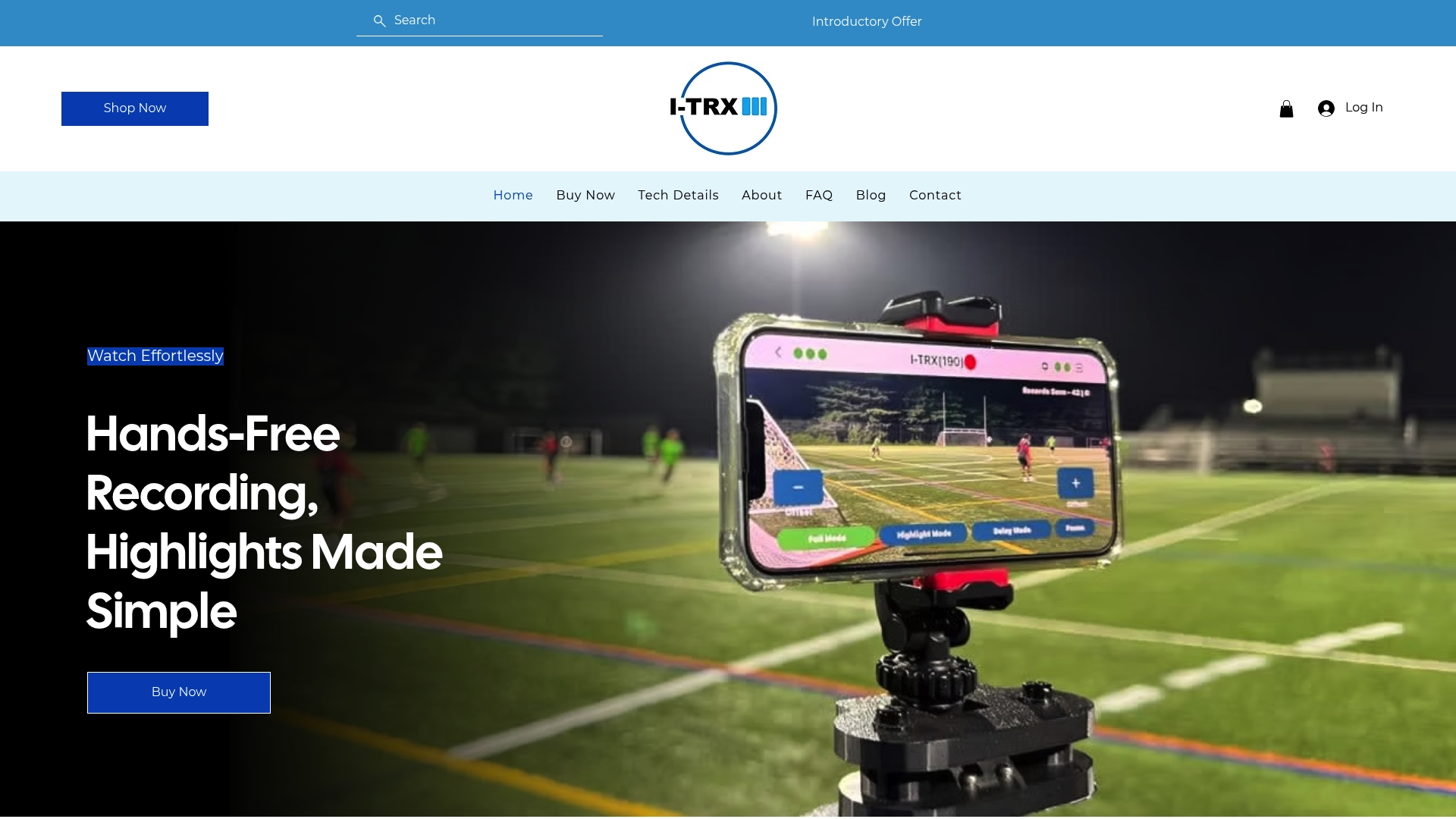
Fewer missed plays, since the camera follows the athlete rather than the ball.
Simpler sharing, with clips ready to export the moment a game ends.
Consistent player identification built into every session, which matters for the exact coach-ready standards above.
What you get | Detail |
Product | |
Price | One-time fee |
Monthly fees | None |
Our Automated Player Tracking Camera is built for exactly the kind of reliable, single-athlete capture that a coach-ready highlight depends on. Check current details on our tech specs page or visit I-TRX to see the full system.
FAQ
How long should a highlight video be to send to college coaches?
A full recruiting highlight should run about 3 to 5 minutes, covering a representative range of plays. For cold emails or direct messages, a tighter 60 to 90 second skills reel usually performs better.
How do I send highlights to college coaches?
Publish one link that opens without a login, such as an unlisted video or a recruiting profile link, then email the position coach directly with that link and your name, grad year, and position. Always test the link signed out before you send it.
What’s the hardest sport to get recruited in?
Recruiting difficulty varies widely by sport, division, and region, and there’s no single agreed-upon ranking. What consistently helps across sports is pairing strong film with targeted outreach to programs that fit academically and athletically.
How to get D1 coaches’ attention?
Send current, well-edited film to the correct position coach, include your graduation year and measurable performance details, and time your outreach around the recruiting calendar for your sport and grade. Division I coaches may face limits on when they can respond, so a lack of reply doesn’t always mean lack of interest.
What’s the hardest part of getting a baseball coach’s attention?
Standing out often comes down to clean, well-timed film paired with direct outreach to the right contact; general coach development resources can give families a sense of what coaches value when evaluating young players.
Sources
Comments