
Cut Filming Time with I-TRX: NCAA Recruiting Video Requirements (U.S.)

A coach-ready recruiting video must start with a title slide containing your name, position, graduation year, high school or club, and NCAA ID, followed by several minutes of your best plays, with roughly mostly game highlights with some skills footage where relevant. This structure applies across most NCAA sports, though timed events like track and field lean more on verified stats than video. Getting these elements right from the first cut saves coaches time and saves families from redoing the work later.
What belongs on your title slide and in your video metadata
Coaches often review dozens of videos in a single sitting, so the opening slide has to do a lot of work fast. NCAA recruiting guidance advises prospective student-athletes to open with name, position, high school, graduation year, and NCAA ID so staff can identify and track a recruit without digging through an email thread. Skipping any of these fields forces a coach to stop and search, and a pause is often all it takes for attention to drift.
Your title slide and the email around it should carry a complete, consistent set of details:
Full name, primary position, and graduation year
High school or club team name and location
NCAA ID number
Email address and phone number
Height, weight, and, when relevant to the sport, wingspan or 40 time
GPA and standardized test scores, if you want academics highlighted early
File naming matters more than most families expect. A video titled “JaneDoe_2027_MF_Highlights.mp4” is searchable and recognizable the moment it lands in a coach’s downloads folder, while “IMG_4821.mov” gets lost in seconds. Use a clear thumbnail that shows your face or jersey number, not a blurry mid-action frame.
Academic details deserve their own space rather than a crowded slide. Mention GPA and test scores briefly in the video description or the accompanying email, and send transcripts through your school counselor or a secure link rather than as a loose attachment. Including your NCAA ID on both the slide and in writing helps schools locate your academic file faster and avoids the kind of administrative back-and-forth that slows down a recruiting timeline.
How long should your highlight reel run and in what order
Length is one of the most consistent pieces of advice from college staff. Coaches surveyed by the NFHCA recommend keeping highlight videos around several minutes, with the strongest plays placed first because many coaches decide within the opening seconds whether to keep watching. A shorter two-minute cut works well for a first cold email, while a fuller four to five minute reel suits a coach who has already shown interest and wants a complete profile.
The internal balance of footage matters as much as total runtime. RecruitReach’s editing guidance points to roughly mostly game footage with a smaller portion of skills work when relevant to the sport. A few editing habits keep the reel coach-friendly:
Open with your single best play, not a warmup clip or a slow build
Avoid slow motion and speed changes, since they read as filler rather than evidence
Keep music minimal or absent, since many coaches watch with the sound off
Show enough of each play that a coach can judge decision-making, not just the highlight moment
A reel that front-loads talent and shows real game context beats a flashier edit almost every time.
Sport-by-sport and position-by-position video expectations
Video weight varies significantly by sport, and for athletes seeking the right equipment, mastering the game often starts with understanding gear like PUMA golf and basketball shoes, as detailed in this comprehensive resource on PUMA golf and basketball shoes. Football, basketball, soccer, lacrosse, volleyball, and baseball rely heavily on highlight and skills footage because game context reveals decision-making that a stat line cannot. Track and field, cross country, and swimming lean the other direction: verified times, splits, and meet results carry more weight than a video, and RecruitReach notes that for technical events, short skills clips paired with confirmed metrics often persuade coaches faster than a long reel.
Within video-dependent sports, position shapes what to show:
Quarterbacks: full-field snaps that show reads, footwork, and arm strength, not just completed passes
Wide receivers and defensive backs: route running, hands, and coverage angles from a wide-enough shot to see separation
Offensive and defensive linemen: full-line footage showing hand placement and leverage, since isolated close-ups tell coaches little
Pitchers: mound view showing mechanics and pitch movement, plus at least one at-bat sequence
Catchers: throwing mechanics to second base and blocking technique in game action
Goalkeepers: distribution, positioning, and a mix of routine and difficult saves rather than highlight-reel dives alone
When in doubt about whether a sport or position needs a full reel, a short skill demonstration paired with verified stats is a reasonable substitute, especially for underclassmen still building game film.
Filming and editing steps you can start using today
Good recruiting footage does not require expensive equipment, just consistent habits. A tripod-mounted phone at an elevated sideline or end-line angle beats handheld footage almost every time, since shake and sudden pans make it hard for a coach to track a single player through a play.
Set up on a tripod at an elevated angle, ideally from the stands or a sideline riser, so the full field of play stays visible.
Mark the athlete briefly with a circle or arrow at the start of each clip so the coach knows exactly who to watch.
Let each clip run long enough to show the full play, not just the highlight moment, so decision-making is visible.
Label clips consistently in the edit (date, opponent, play type) so a coach or coordinator can find context later.
Export in a common format like MP4 at 1080p and a standard frame rate, avoiding slow motion or speed ramps that distort the play.
Keep background audio low or muted, since many staff review video in a shared office without headphones.
Pro Tip: Film the same way every game so your editor, or you, can drop new clips into a reel without rebuilding the whole structure each time.
Simple smartphone setups can work well when the framing stays disciplined. Even non-athletic video guidance, like Colorado State’s Panhellenic recruitment video standards, reinforces the same principle: short, authentic footage from a simple setup often reads as more credible than an over-produced clip.
Where and how to share your video with college coaches
Links beat attachments every time. YouTube unlisted videos and Hudl profiles are the two formats coaches see most often, and university athletic departments frequently note that staff use platforms like Hudl to review prospective recruits as part of their standard process. An unlisted YouTube link keeps the video off public search while still letting anyone with the link view it instantly, no login required.
A few sharing habits keep your video from getting lost:
Use “unlisted” rather than “private” on YouTube so a shared link works without permission requests
Put your name and graduation year in the email subject line, such as “Jane Doe, 2027, Midfielder Highlights”
Include the video link directly in the email body rather than as a downloadable file
Re-check privacy settings each time you update the video, since a broken or restricted link is a common reason coaches never watch
Coach surveys back the format choice directly: NFHCA guidance describes video as a shareable tool that staff revisit and pass among assistants, which only works when the link stays live and accessible. Before sending anything, confirm your NCAA ID appears on the title slide and double-check your division’s recruiting calendar and contact rules through the Eligibility Center, since contact windows differ by sport and division.
When to send updated footage and how often to follow up
Timing matters almost as much as content. Send an initial reel before a camp or the start of a season, then follow up with a mid-season update only when you have genuinely new footage worth showing, and close with a post-season recap that reflects your best full year.
Send your first video several weeks before a camp, showcase, or the season opener so coaches have time to review it.
Follow up once, about one to two weeks after your first email, if you have not heard back.
Update the video only when you have meaningful new footage, not on a fixed schedule, and note in the email what changed.
Freshmen and sophomores can lean on shorter, skills-focused clips sent less frequently, while juniors and seniors should keep a fuller reel current and ready to send on short notice. Every send, first or update, should include the video link, a short bio, your contact information, and a quick note on GPA or recent highlights.
How automated tracking removes the guesswork from filming
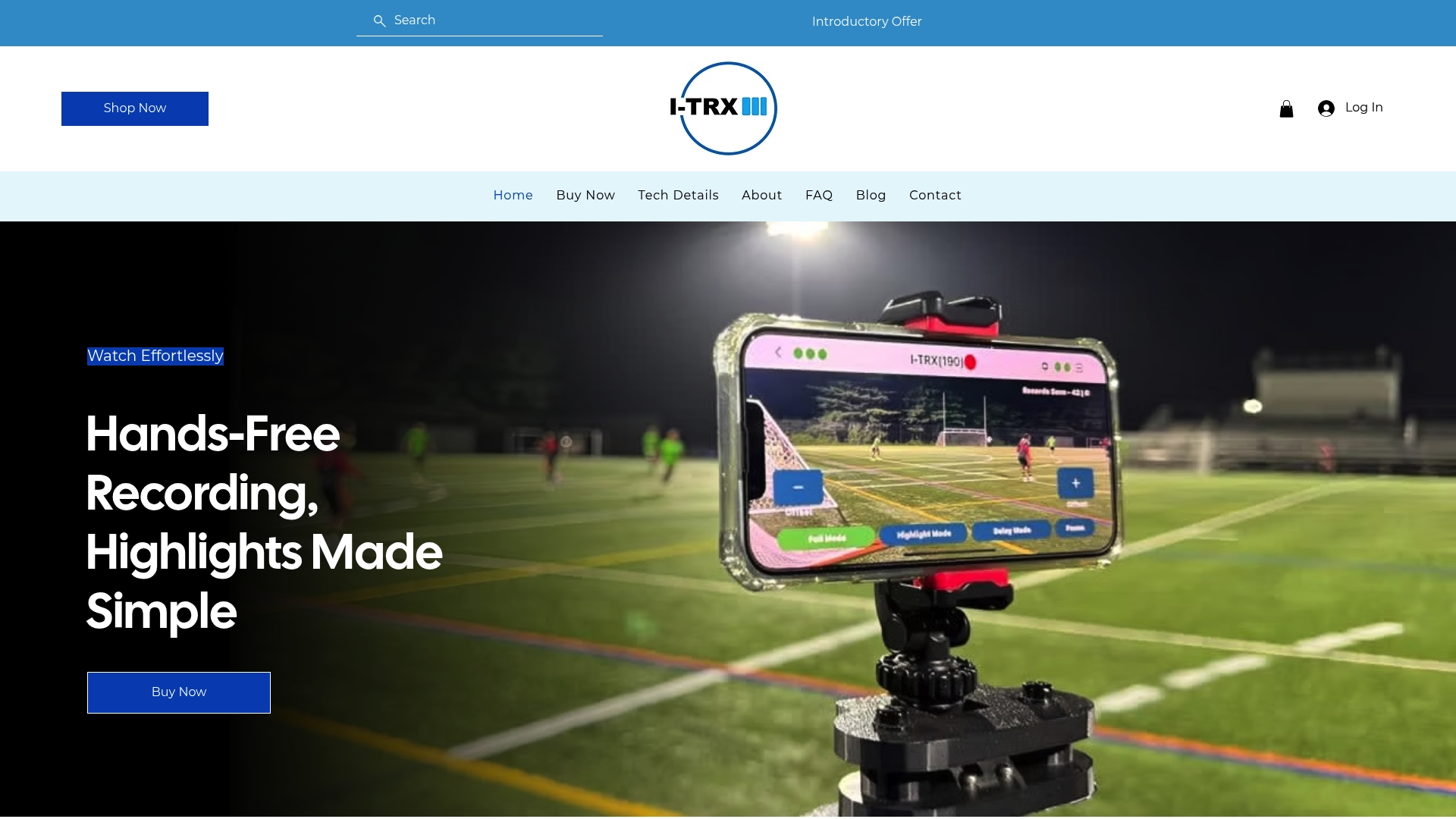
Getting consistent footage is often the hardest part of this whole process, and it is where I-TRX fits naturally into the checklist. The system uses a small wearable sensor to follow one athlete automatically, so the camera stays locked on the player instead of drifting with the ball or the crowd. Highlights save instantly to an iPhone, which cuts out hours of scrubbing through full-game footage looking for usable clips.

That consistency shows up directly in the elements coaches look for: clean framing, full-play context, and a player who is easy to spot without a circle or arrow added in post. Families who want a closer look at how the automated tracking works or want filming tips for specific sports can find more detail on the I-TRX blog.
What actually moves the needle in a recruiting video
The biggest mistake I see is a five-minute reel that opens with a warmup clip instead of the best play. Coaches decide fast, so the first thirty seconds matter more than anything that follows. Between a careful DIY phone setup and an automated system like I-TRX, the honest trade-off is time: one costs more effort, the other costs more upfront.
— John
A simpler way to capture coach-ready footage
Filming a full game while parenting, coaching, or just trying to watch your kid play is genuinely hard, and it is the reason so many recruiting videos end up shaky, poorly framed, or missing the exact play that mattered. I-TRX handles that problem with a wearable sensor that keeps the camera locked on one athlete, saving highlights straight to an iPhone with no monthly fee.
For families building a recruiting reel around the checklist above, that means:
Consistently framed clips without a second person filming or editing
Fewer missed plays, since the system tracks the athlete rather than the ball or crowd
A faster path to an updated reel each time you need one, without a full re-edit
If you are weighing a DIY phone setup against a system built for this exact job, the Automated Player Tracking Camera is priced at $849 one-time, with full details on the product page.
Sources
FAQ
How long should my recruiting video be?
Most college coaches prefer highlight videos in the a few minutes range, with your best plays shown first. A shorter two-minute cut works well for an initial cold outreach email, according to coach-sourced video advice from the NFHCA.
What are the NCAA social media rules for recruiting?
NCAA contact rules govern when coaches can reach out directly and vary by sport and division, so checking your specific division’s recruiting calendar through the Eligibility Center is the reliable way to confirm current windows. Posting your own highlights publicly is generally fine, but direct messaging rules for coaches differ by division and sport.
What’s the hardest sport to get recruited in?
There is no single official ranking of recruiting difficulty by sport, and the answer depends heavily on roster size, scholarship limits, and regional competition. What is consistent is that video-dependent sports like football and basketball emphasize game footage, while track and field and cross country lean on verified times and results instead.
What are the NCAA recruiting rules for 2026?
The NCAA’s 2026-27 Eligibility Center guidance advises including your name, position, high school, graduation year, and NCAA ID on your video and outreach materials so coaches can identify and track you. Contact periods and specific rules still vary by division and sport, so confirm the current calendar directly through the Eligibility Center before reaching out.
Comments