
Parents: Zoom or Wide for Game Videos? Decide Fast, Respect Consent

If your priority is capturing one player’s highlight moments with no fiddling during the game, a wearable sensor plus auto-zoom system like I-TRX is usually the faster, lower-stress choice. If you need full-field tactical context for coaching or scouting, a wide-angle fixed camera serves better. Either way, get consent before you post anything featuring a child.
Comparing coverage, recruiting value, reliability, and cost
The two approaches answer different questions, and knowing which question you’re asking changes everything about which one to pick.
A wide-angle fixed camera shows the whole field: formations, spacing, off-ball movement, and how a play develops before the ball ever gets there. It omits detail. A player fifty yards from the lens is a small figure in a crowd of similarly dressed kids. A single-player tracking system does the opposite. It fills the frame with one athlete, following them stride for stride regardless of where the ball or the rest of the team goes, but it can’t tell you what the other ten players were doing when the goal happened.
For recruiting and highlight reels, close-up tracking wins on usability thanks to advanced AI sports video analysis for athletes that extracts key performance insights. A tight, well-framed clip of a swing, a shot, or a sprint is ready to share the moment the game ends. Wide footage is valuable for tactical review, but it typically needs a coach or a parent to scrub through long stretches of footage to find the moment worth keeping.
Reliability differs by failure mode. Wide, single-camera tracking depends on visually identifying a player among teammates wearing the same colors, and research on multi-object tracking in full-pitch video documents that occlusion, similar kit colors, and camera angle are major sources of tracking error, even with calibrated setups. A tracking dataset study built for multi-sport tracking notes that top-view or drone capture reduces some of this error but adds equipment and setup complexity most families won’t take on. A wearable sensor sidesteps the identification problem entirely: the system isn’t guessing which jersey is your kid, it’s following a signal attached to them.
Cost and setup time follow the same split:
Wide-angle fixed setups need a tripod, a wide or fish-eye lens, and often manual reframing or post-production cropping to follow the action.
Auto-zoom sensor systems need the camera unit and a sensor pack worn by the athlete, with far less manual attention during play.
Editing time for wide footage is usually longer, since someone has to find and trim the moments worth keeping.
Sensor-driven clips tend to arrive already framed on one player, cutting the editing step down to almost nothing.
Pro Tip: If you’re torn between the two, ask what you’ll actually do with the footage next week. Highlight reels favor tracking; game film for coaching favors wide.
When to choose each approach, scenario by scenario
Matching your situation to the right setup takes less thought than most parents expect.
A parent who wants a shareable clip of their child’s game without operating a camera should use single-player auto-zoom tracking. It removes the job of filming from your day entirely.
A coach or scout building a tactical picture of the team needs wide-angle footage that shows spacing, transitions, and off-ball runs.
Indoor courts, small fields, and sports with heavy player clustering, like basketball or hockey, tend to produce more occlusion for wide cameras, which strengthens the case for a wearable sensor that tracks the athlete directly rather than visually.
Fast, wide-open fields like soccer or lacrosse can work with either approach, but wide cameras need a higher vantage point to minimize blind spots.
Families who want both should run a hybrid workflow: a wide fixed camera for context and a parallel auto-zoom system for the player-specific highlights, reviewed separately after the game.
The hybrid setup may cost more in equipment and time, but it can provide both a coaching-quality wide view and a ready-to-share highlight clip.
Consent, COPPA, and league rules before you hit record
Before you post, stream, or even share a game clip in a group chat, a few safeguards protect you and your league.
Little League has warned organizations directly that streaming or posting video without clear parental permission has led to lawsuits, and it recommends written release forms plus public notice at events as standard practice. That guidance applies broadly to any youth league footage, not just baseball.
Get a signed parental release before posting or streaming any footage that includes other players.
Post visible signage and make a verbal announcement at events noting that recording is taking place.
Keep release forms on file in case a dispute comes up later.
Check what any hosting platform requires, since terms of service can demand explicit proof of consent before content goes live.
COPPA treats photos, videos, and geolocation data of children under 13 as personal information, and operators of websites or online services must take reasonable steps to obtain parental consent before collecting or sharing it. That matters if you’re uploading footage to an app or service that stores or geotags it, not just when you post publicly.
Getting set up for game day, step by step
Whichever approach you pick, a little prep the night before saves you scrambling at kickoff.
Build your shopping list: for auto-zoom, the camera unit and a sensor pack for your athlete; for wide coverage, a tripod and a wide-angle or fish-eye lens.
Charge everything the night before, including your phone, and confirm you have enough storage for a full game of video.
Scout the field or court ahead of time for a mounting spot with a clean sightline and minimal obstruction from bleachers, benches, or other spectators.
Pair and test the sensor with the camera before warmups start, not after the first whistle.
Record, let the system save clips automatically if you’re using tracking, and back up files to your phone or cloud storage right after the final buzzer.
Rough costs and setup time vary by approach: a basic wide tripod setup can be ready in minutes but demands attention throughout the game, while a sensor-based system takes a short pairing step up front and then runs largely hands off.
Pro Tip: Test your sensor pairing and camera angle during warmups, not during the first play. A thirty-second check saves you a missed highlight.
What actually matters when you’re standing on the sideline

Most parents don’t want a camera hobby. They want to watch their kid play and walk away with something worth keeping, and that tension between attention and footage is the real decision here, not lens specs or frame rates.
I-TRX’s wearable sensor and auto-zoom camera are built around that exact trade-off: the system locks onto one athlete, saves highlight clips in real time, and sends them straight to an iPhone without a subscription or manual editing. That kind of setup won’t replace a coach’s wide tactical footage, but it solves a different, more common problem: being present for the game instead of buried behind a viewfinder.
— John
I-TRX at a glance: a parent-focused way to capture every highlight
If you’ve read through the checklists above and landed on “I just want the highlight clips without babysitting a camera,” that’s the exact gap I-TRX fills. The system pairs a small sensor worn by your athlete with a tracking camera that follows them automatically, saving clips in real time straight to an iPhone.
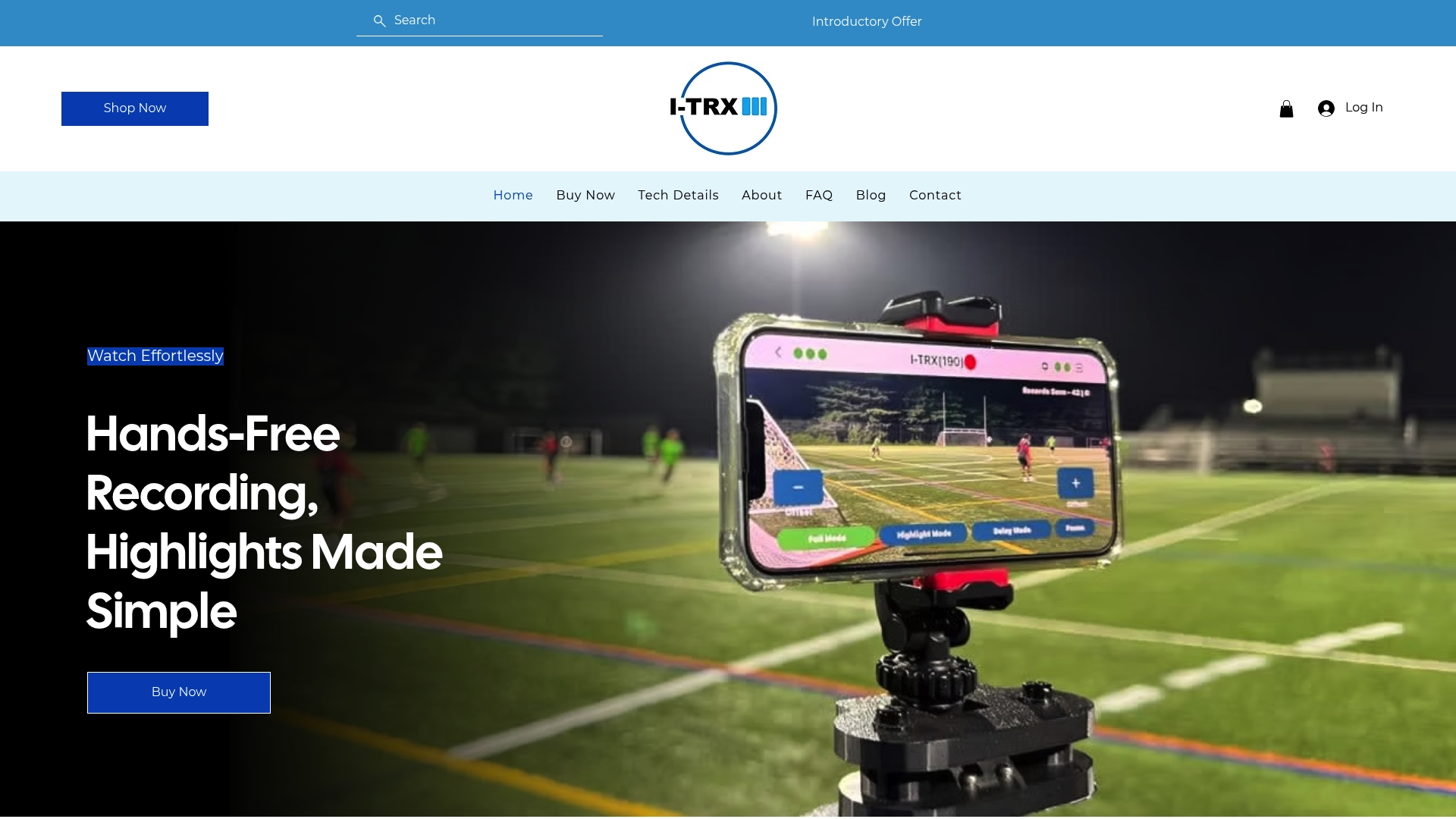
No monthly fees: it’s a one-time purchase, not a subscription.
Instant highlight saving means clips are ready to share before you’ve even left the parking lot.
Full game and delayed solo recording modes cover both a whole match and quick individual sessions.
Ultra Highlight Pro buffers recent play so a great moment doesn’t get missed while you’re reacting to it.
The Automated Player Tracking Camera is priced at $849 as a one-off purchase. If you want the technical rundown first, the tech details page covers compatibility and specs, and the product page walks through the full feature set before you buy.
Sources
These sources back the legal and technical points above, in case you want the full context.
This article is general information, not a substitute for advice from a qualified lawyer. Consult a qualified legal professional about your own circumstances before acting on anything here.
FAQ
Do I need parental consent to share game footage online?
Yes, if the footage includes other people’s children, you typically need written permission before posting or streaming it. Little League’s own guidance on streaming without permission recommends written release forms and public event notice as standard practice to avoid disputes.
Does COPPA apply to youth sports videos?
COPPA applies when an online service collects personal information, including photos, video, or geolocation, from children under 13, and it requires operators to take reasonable steps to get parental consent first. This mostly affects apps or platforms that store, tag, or share footage, as outlined in USAGym’s COPPA summary.
Can I combine wide and auto-zoom recording for the same game?
Yes, a hybrid setup using a wide fixed camera alongside a wearable-sensor tracking system is a practical way to get both tactical context and ready-to-share highlights. It does mean managing two devices and more footage to sort through afterward.
Is single-player tracking more reliable than wide-angle cameras for busy games?
Wearable sensor tracking avoids the visual identification problems that affect wide, single-camera setups, since it follows a signal rather than a jersey color. Research on multi-object tracking shows occlusion and similar-looking players are common failure points for camera-only systems in crowded play, which is part of why sensor-based tracking tends to hold focus more consistently on one athlete.
What does I-TRX cost and what do I get with it?
The Automated Player Tracking Camera from I-TRX is a one-time purchase of $849 with no monthly fees. It includes a wearable sensor, auto-zoom tracking camera, and instant highlight saving directly to an iPhone.
Comments