
Parents Enjoy Games Without Filming: One Sensor Guides the Camera

You can enjoy the live game and still capture your child’s highlights by using a hands-free capture system such as a wearable tracking camera that films automatically. Research on youth sports spectators backs this up, and a system like I-TRX shows how it works in practice: a small sensor on the athlete tells the camera who to follow, and highlights save straight to a phone while you watch.
Why putting the camera down improves the live experience
When your hands are free, your attention goes where it belongs: on your child. Research on youth sports spectators finds that children benefit from supportive spectatorship and limited sideline coaching, and that parents who cheer rather than critique help kids enjoy the sport more and stick with it longer.
Positive spectator behavior predicts higher enjoyment and sustained participation in young athletes, according to spectator behavior research. That finding matters more than it might seem at first glance, because it suggests the simple act of watching, rather than recording, changes how a child experiences the game.
Filming pulls focus in ways that are easy to miss in the moment. A parent squinting through a phone screen cannot read the bench, catch a coach’s signal, or notice when their child needs a quick word of encouragement after a rough play. Three everyday moments show the difference:
Cheering a good defensive stop the instant it happens, instead of noticing it later on a recording.
Giving a calm halftime pep talk because you watched the whole half instead of half of it through a lens.
Spotting a scraped knee or untied cleat right away and stepping in before it becomes a bigger problem.
Shifting attention from a screen to the sideline also reduces the odds of disruptive sideline coaching, a behavior that the same research ties to lower enjoyment for kids. Watching with your full attention turns out to be one of the more reliable ways to support a young athlete.
Hands-free capture options, by category
Once you decide to watch instead of film, you still have choices for how the highlights get made. Each option fits a different mix of budget, effort, and footage quality.
Automated single-player tracking systems: a small sensor worn by the athlete tells a camera who to follow, producing player-focused footage without anyone touching a device during play.
Auto-pan or auto-follow cameras: these track motion across the field rather than one specific player, which means setup is simple but the footage often follows the ball or a cluster of players instead of your child.
A hired videographer or trusted volunteer: dependable footage from a dedicated person, though it requires scheduling, coordination, and usually a fee.
If your priority is watching the game while still getting usable clips of your own child, a single-player tracking system fits best. If you mainly want general game footage for the team or a quick highlight reel without much setup, an auto-follow camera can work, with the tradeoff that your child may not always be in frame. When footage quality matters for recruiting or detailed review, a hired videographer remains the most consistent option, at a higher cost and with more coordination. Our dedicated camera guide walks through how these approaches compare for everyday games.
Pre-game checklist: policies, placement, and tech checks
A hands-free setup only works smoothly when you have handled the basics ahead of time. Run through these steps before kickoff or first pitch:
Check the venue or league’s recording policy for organizers. Some associations, like the KHSAA media relations policy, reserve broadcast rights and restrict support equipment like tripods in certain areas.
Confirm where spectators are allowed to set up cameras, and avoid blocking aisles, walkways, or other families’ sightliness.
Pair your phone with the camera system and confirm the connection before the national anthem, not after the first play.
Check battery level and available storage, and confirm automatic saving is turned on so nothing depends on you pressing a button.
Turn on buffering or highlight-saving features if your system offers them, so a few seconds before each big play get captured too.
If the footage is for formal performance analysis rather than casual viewing, follow tournament-specific consent rules, similar to the ITF’s performance analysis guidance, which typically requires written parental consent.
Our guide on filming youth sports legally covers consent and venue rules in more detail if your league has stricter requirements.
Pro Tip: Run a full pairing and recording test at a practice session, not at the first real game, so you catch latency or storage issues when nothing important is on the line.
How single-player tracking systems work and how to set one up
An automated single-player tracking system like I-TRX relies on a small sensor pack worn by the athlete. The sensor tells the camera which player to follow, so the footage stays locked on your child regardless of where the ball goes or how the rest of the team moves. Once the game ends, highlights save automatically to an iPhone, ready to watch or share before you even leave the parking lot.
Getting good footage comes down to a few practical details:
Clip the sensor pack where it stays visible and unobstructed by loose clothing or equipment.
Mount the camera at a height and angle with a clear sightline, away from spectators who might step into frame.
Pair the camera to your phone and confirm the connection before warmups, not during them.
Turn on buffering features, sometimes called ultra-highlight modes, so the system captures the moments right before a big play, not just after you notice it.
Parent testimonials point to a few features that matter most in practice: highlights that save instantly without any editing, a sharing process simple enough to send a clip from the parking lot, and an interface built around parents who just want to watch, not operate equipment. Arriving fifteen minutes early to pair devices and confirm the connection is the single habit that prevents most missed footage.
Pro Tip: Do a quick visual check that the sensor is paired and the camera shows a locked signal before you sit down. It takes thirty seconds and saves you from discovering a missed first quarter later.
A parent’s perspective: watching instead of worrying

A few seasons ago, I would have spent the whole first half squinting through a phone screen. Last fall, I sat down, cheered every stop, and talked through the game with my daughter at halftime instead of fumbling with a tripod.
That shift lines up with what spectator research describes: kids respond better to parents who are present rather than preoccupied. That evening, I watched the highlight reel on my phone. Every key play was there, captured while I was busy doing the part that actually mattered.
— John
Getting started with I-TRX
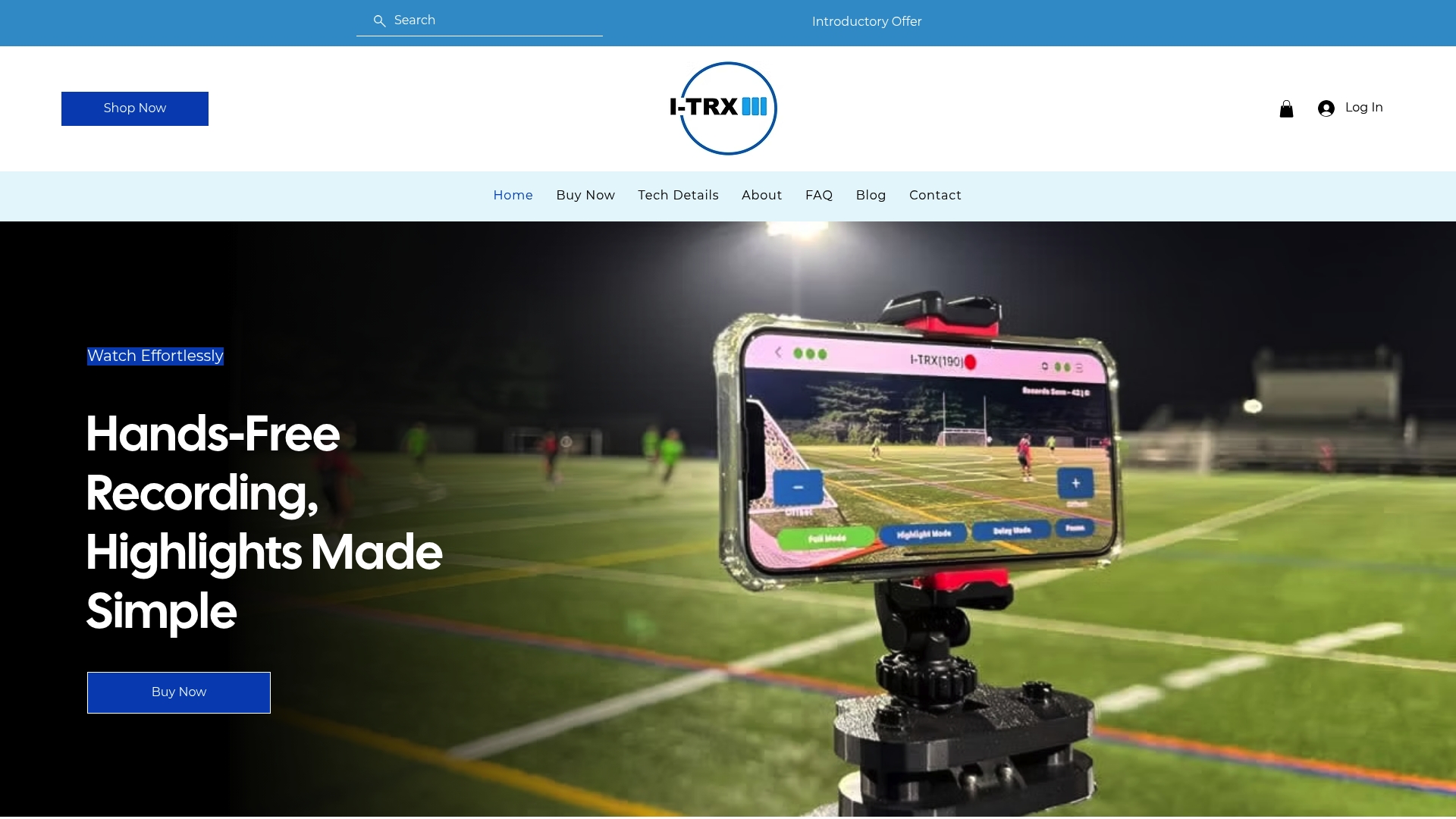
We built I-TRX around one idea: parents should watch the game, not manage a camera. The sensor pack tracks your child specifically, highlights save instantly to your iPhone, and there are no monthly fees to keep paying after you buy. Features like Ultra Highlight Pro buffer the action just before a play happens, so a spontaneous breakaway or diving catch never slips past unrecorded.
Ready to try it at your next game? A few steps make the first outing smooth:
Review the tech details to see how pairing and tracking work before you buy.
Check current pricing on our pricing page.
Confirm your venue’s recording policy and arrive early to pair your sensor and phone.
Browse the full product page for specs, or start with our pricing to see what fits your family’s budget.
FAQ
What does “enjoy the game without filming” actually mean?
It means watching your child’s game with full attention while a separate system, rather than you, handles the recording. Hands-free options range from automated single-player tracking cameras to a hired videographer, all designed so you are not the one operating equipment during play.
Does watching instead of filming really help my child enjoy the game more?
Spectator behavior research finds that children respond better to supportive, attentive spectators than to parents distracted by recording or sideline coaching. Choosing to watch rather than film tends to translate into more direct encouragement and a better experience for your athlete.
Do I need permission to record my child’s game?
Many leagues and venues set their own rules, and some, like those outlined in the KHSAA media relations policy, restrict certain equipment or reserve broadcast rights for specific events. Always check with the venue or league before setting up a camera, especially at tournaments or championship games.
What should I check before relying on an automated tracking camera during a game?
Confirm the sensor is paired, the camera shows a locked signal, and battery and storage levels are sufficient before the game starts. Running a test at practice beforehand helps catch pairing or buffering issues before they cost you footage on game day.
How much does an automated player tracking camera cost?
The I-TRX Automated Player Tracking Camera is priced at $849 one time, with no monthly fees afterward. That one-time cost covers the camera system and sensor pack together.
Sources
Comments